
Tips to avoid emergency calls and keep your doors running smoohly 🙌🏻
With the holidays right around the corner, we know how important it is to keep your building running smoothly — and to help everyone avoid unnecessary after-hours service calls.
These are a few simple, safe checks you can do if something stops working unexpectedly. These small steps often resolve the most common issues we see — saving you downtime, avoiding staff call-ins, and helping our team stay available for true emergencies.

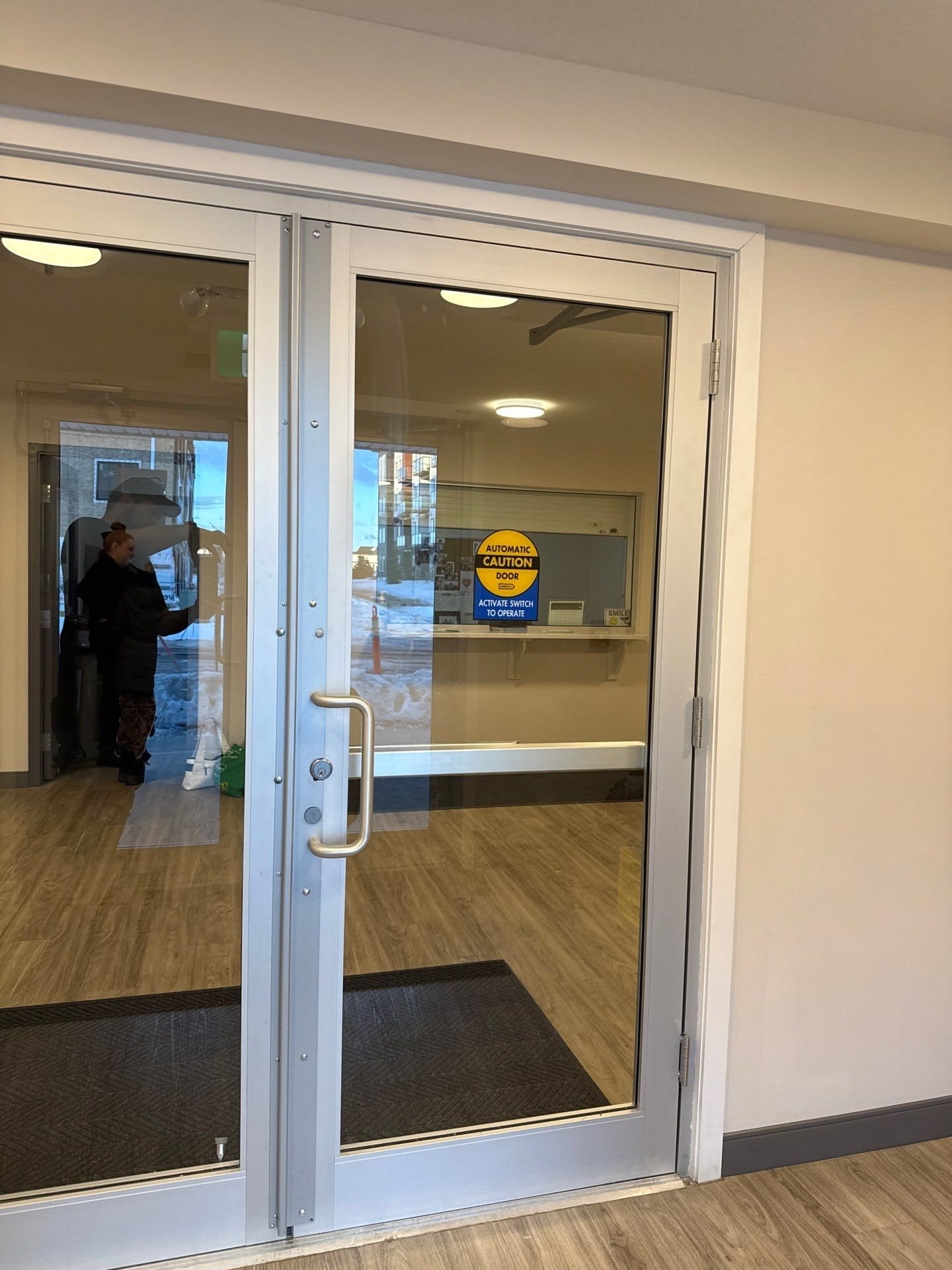
Automatic Door not Swinging or Sliding Automatically?
- Check the mode switch, ensure it is not set to Off or Hold Open. Look for “Automatic”, “On” or similar.
- Confirm power, breakers can trip during cleaning or holiday decorating.
- Look for obstructions, mats, boxes, snow, or seasonal displays that can block sensors.
Push Buttons or Wave Sensors not Responding?
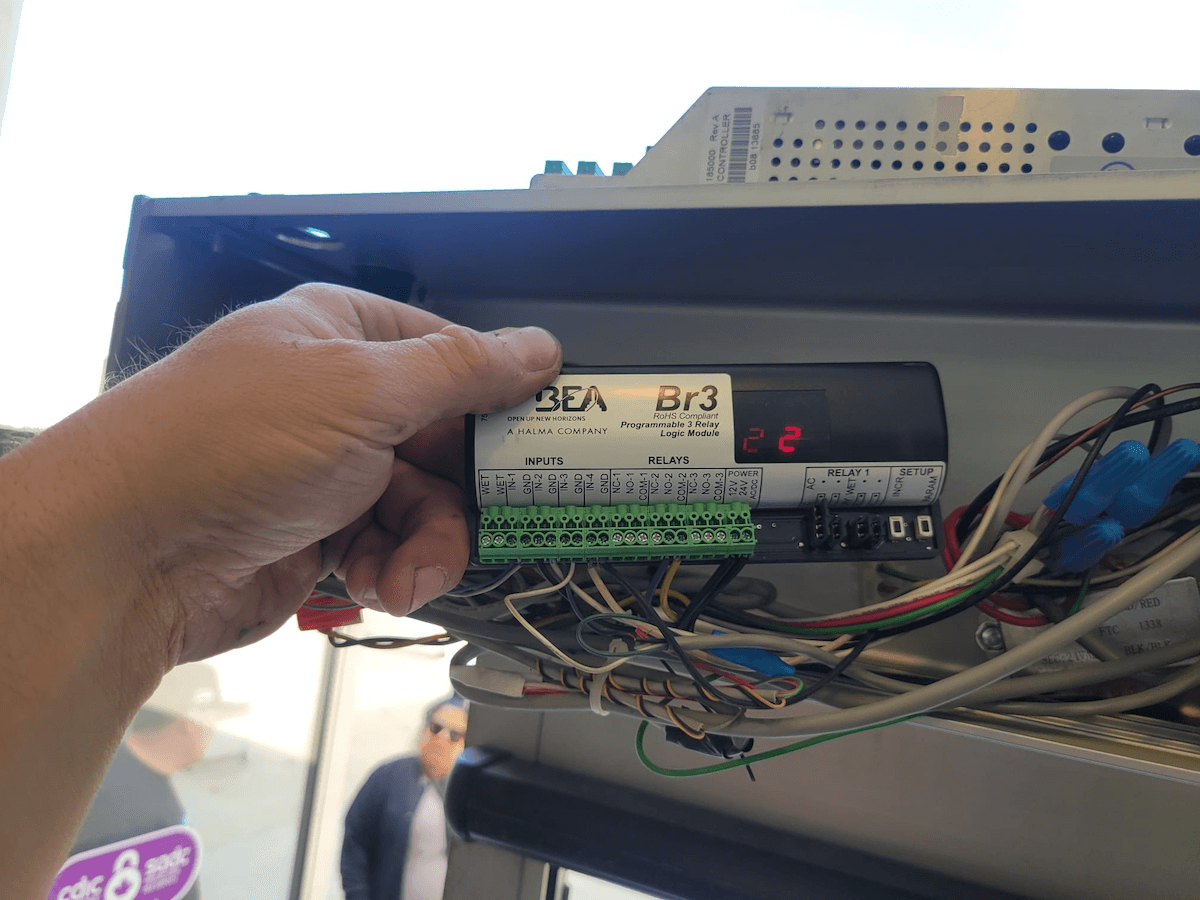
- If they’re wireless, check the batteries by pushing and holding the button for several seconds. If they’re wave switches, cover the switch with your hand and wait for a series of beeps. 5 = Full 👍🏻
- Check that the door operator switch up top is in the “ON”, “AUTO”, or Similar position


Push Buttons or Wave Sensors not Responding?
- Verify the hold open switch setting.
- Sometimes snow can blow behind a push button and freeze. Give the buttons a jiggle.
- Ensure there is no ice, rocks, salt or debris preventing the door from closing.
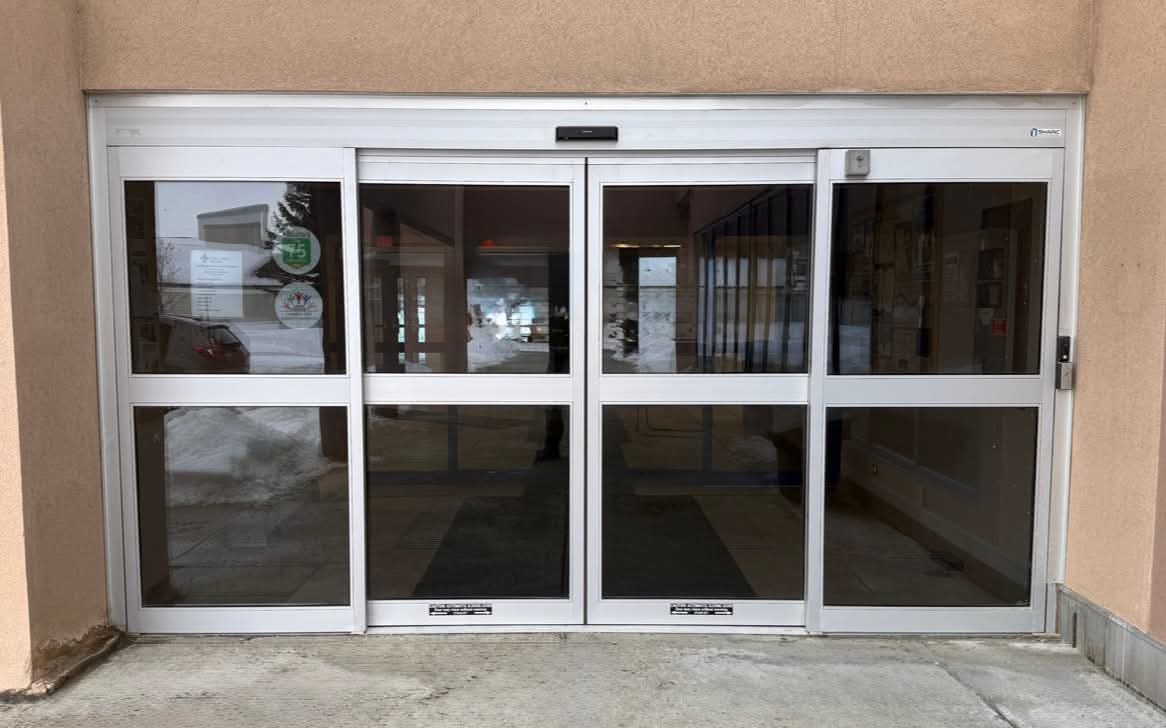
Sliding Door Won’t Close?
- Clean the lower track area. Remove all rocks, debris, ice melt, etc.
- Ensure all safety sensors are clear of snow and ice. Including on the leading edge of the panel.
- Confirm that the sliding door is not “broken out.”
- Sliding doors don’t like to move very fast when it’s -30 outside.
- NEVER use lubrication or grease.


Key Fobs or Cameras Not Working?
- Confirm all devices are powered on.
- Confirm all devices are online and see the network.
- Check status LED’s to identify if a door has been overridden.
This is when you should call us❗
- Slamming or dangerously fast door movement
- Doors not locking on a secure entrance
- A safety sensor failing to detect people or objects
- Loud grinding or abnormal noises
- Exposed wiring above the door or any other door emergency you may be faced with.
🎄 Wishing You a Smooth, Trouble-Free Holiday Season 🎅🏻
We hope these quick checks help prevent unnecessary after-hours interruptions — for your team and ours.
If you need us, we’re here and ready to support you.
We hope you have a safe, peaceful, and happy holiday season,
– The SHARC team.